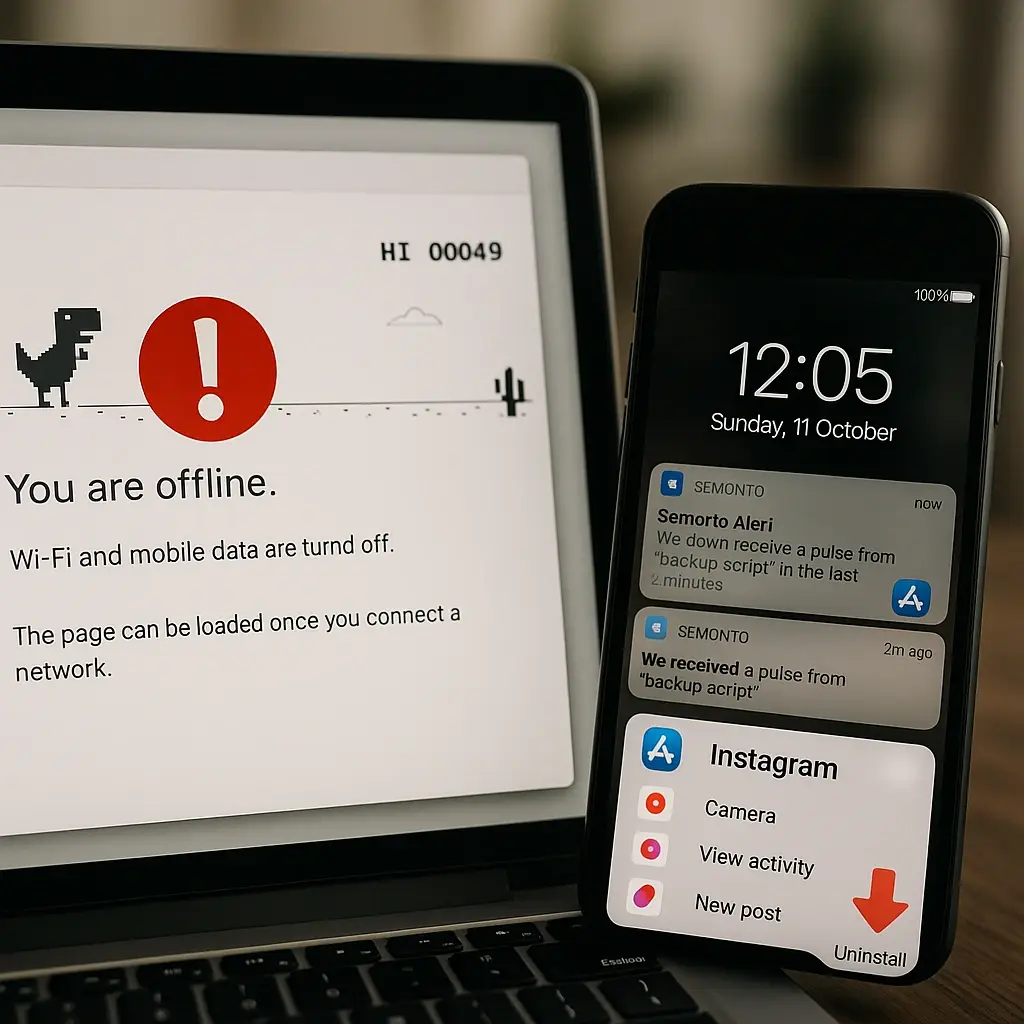
Stay One Step Ahead with Instant Website Downtime Notifications
We’ve all been there, you click on a website expecting it to load, only to be met with a spinning wheel or an error message. Now imagine that’s your site, and dozens or even hundreds of visitors are facing the same issue. Website downtime can be damaging to your reputation, costly in lost sales, and frustrating to both you and your users. Staying informed needs to happen quickly, and that’s where instant and reliable website downtime notification services come in.
Getting immediate alerts the moment something goes wrong allows you to act fast, fix the issue, and keep your website visitors happy. Whether you’re a small business running a single website or managing multiple online assets, website downtime alerts make a big difference.
At WebWorks Media, we understand the importance of keeping your online presence live and accessible. We help you stay in control, even when things go wrong.
What is Website Downtime and Why Should You Care?
Website downtime is any period when your website is unavailable to visitors or is not working properly. This can happen for many reasons: server issues, hosting problems, coding errors, updates gone wrong, or even cyber attacks. Sometimes it’s just a few seconds. Other times, it drags on for hours. No matter the cause, if users can’t reach your site, you’re losing traffic, trust, and potential income.
Imagine someone trying to buy from your online store or visit your homepage, and it just won’t load. Studies show that around 40% of people abandon a website if it takes more than three seconds to load, let alone not load at all! That small glitch could lead to losing customers you’ve worked hard to earn.
Website downtime doesn’t always mean your entire site is dead. Sometimes one page might be down, or it could be loading so slowly it’s practically unusable. Either way, if it’s affecting your visitor experience, it’s a problem.
What Are Website Downtime Notifications?
Website downtime notifications are alerts that tell you when your website is not working the way it should. Think of them like security cameras for your site, constantly watching in the background. If downtime happens, these alerts spring into action and inform you right away through email, text, or tools like Slack.
This means you don’t have to keep checking the site yourself every five minutes; the service does it for you 24/7. The best part? These alerts often include helpful details. You might get info on how long the site’s been down, potential reasons for the issue, and sometimes, even suggestions on how to fix it.
At WebWorks Media, we provide real-time website monitoring and instant downtime alerts. Our aim is to help you fix issues quickly before they affect your visitors or bottom line.
How Do Downtime Alerts Actually Work?
Downtime monitoring tools check your website often, sometimes every minute or even more frequently. If the tool gets an error or fails to load your page, it confirms it a few times to avoid false alerts. Once sure, a notification is sent your way.
Here’s a quick look at how the process works:
- Monitoring Starts – A tool or service checks your website at short time intervals.
- Error Detected – If it fails to connect with your site, it flags that as potential downtime.
- Double Checks – Most systems run another test to make sure it’s not a blip.
- Alert Sent – If the site is down, you get a notification via your chosen method (email, SMS, or app).
- Updates Continue – Once the site is back up, you’ll be informed again so you can breathe easy.
With services like those from WebWorks Media, you can rest a bit easier knowing that if something breaks, you’ll find out about it sooner rather than later.
Why Relying on Just Hosting Providers Isn’t Enough
Many business owners assume their web hosting provider will let them know when something’s wrong. The truth is, that’s not always the case. Hosting providers often only share downtime reports after an incident is over. Sometimes they won’t even notify you unless the issue is big and affects many users.
Small outages, slow server response times, or slowness caused by updates or traffic spikes may go completely unnoticed unless you have your own monitoring service running.
By using real-time monitoring with downtime notifications, you’re taking control. You’re no longer sitting and hoping for the best. You’re reacting fast, staying informed, and keeping your reputation intact.
Real-Life Benefits of Instant Website Downtime Alerts
Website downtime alerts aren’t just about catching errors; they’re about staying proactive and protecting your online footprint. Here are a few ways they help:
Protect Your Brand Image
When users encounter a problem on your site, they don’t stick around to figure out why. They leave. Worse, they tell others via online reviews or social media. By responding quickly, you reduce the number of people affected and show you care about your visitors’ experience.
Recover Lost Sales and Leads
The quicker you know about downtime, the faster you can fix it. Every minute counts, especially if you run an e-commerce store or rely on form submissions for leads. What you save in recovered transactions or client connections could be huge.
Avoid Google Ranking Drops
Search engines don’t like unreliable websites. Frequent downtime or very slow loading can hurt your Google rankings. That means fewer people find your site organically. Downtime alerts help you stay consistent and uptime-focused, which search engines reward.
Improve Customer Confidence
If visitors see you handling issues quickly, they’ll have more trust in your website. Whether you put up a temporary message or push updates within minutes, being responsive shows professionalism.
Improve Internal Workflow
Notifications can go to the right team members or departments. With tools like ours at WebWorks Media, you can manage multiple team contacts, assign incident responses and avoid duplication of work.

Choosing the Right Notification Channels
One of the great things about modern monitoring tools is choosing how you’re notified. Everyone works differently, and so we make it easy to send alerts in the way that suits your team best.
Here are some options to consider:
- Email: Easy for summaries and time-stamped history.
- SMS/Text Messages: Great for emergencies where fast action is needed.
- Apps like Slack or Microsoft Teams: Perfect for remote or collaborative teams.
- Phone Calls: Some services even offer direct calls for high-priority systems.
Choosing the right alert channel means everyone who needs to know knows as soon as possible. With WebWorks Media, you can customise how and where you receive alerts, which gets problems handled faster.
FAQs
What makes a good downtime notification service?
A good service checks your website frequently, alerts you fast, avoids false alarms, and provides easy-to-understand reports. Bonus points if it integrates with tools you already use.
How often should my website be monitored?
Every minute if possible. The more often it’s checked, the faster you know if something goes wrong.
Can I monitor multiple websites at once?
Yes! Most services, including ours, allow you to monitor several websites and send alerts to different team members.
Are there false positives with these alerts?
It can happen, but reliable tools check multiple times before sending alerts to make sure they’re real.
Will downtime alerts slow my site down?
No, they work in the background and only ping your website like a normal visitor. Your users won’t notice anything extra.
Do I need technical skills to set this up?
Not at all. Our team at WebWorks Media will guide you step-by-step, and support is always available.
Where to Start if You Don’t Have Monitoring Yet
If you’re still manually checking your website or relying only on your hosting company, it’s time to level up. Start with a simple monitoring tool or chat with a team that provides downtime alerts as part of a full website care plan, like we do at WebWorks Media.
We’ll help you track uptime, receive detailed reports, and put systems in place so problems are handled before they become disasters. You’re not going to stop every issue, but you can reduce the damage and get ahead of trouble every time.
Wrapping It Up: Time to Take Control
Website downtime doesn’t just annoy your visitors; it can damage your reputation and cost you money. But the right notifications can make all the difference.
Quick alerts mean faster response times. They help you prevent losses, protect your site’s performance, and show visitors you’re in control. There’s no need to sit and wait for someone to tell you your website’s down; you’ll know the moment it happens.
Ready to protect your website and stay informed 24/7? Let us help you get started with website downtime notifications that work. Visit WebWorks Media and see how easy it is to keep your website in check and your visitors happy.